Cool things in Logic Pro X Part 5
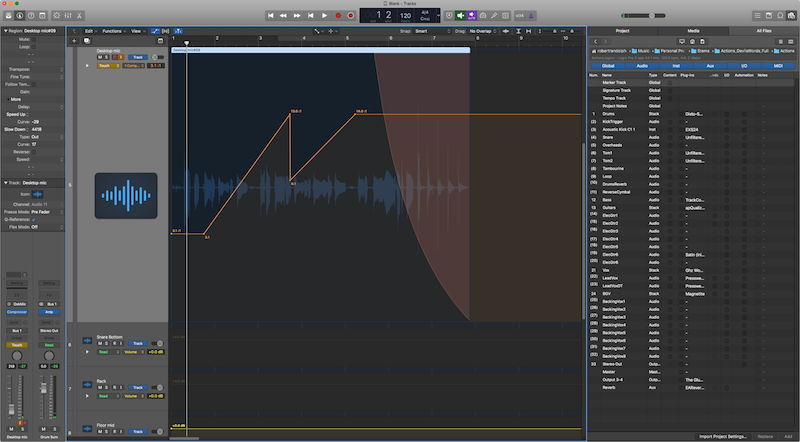
This is it! The final 'Cool things' feature in Logic Pro X while I spend a month using it. There will still be the effects and instruments review and a couple more posts though!
There's no theme again today. You may notice that I've also apparently overlooked some crazy cool features in Logic, like the environment. I only am doing this for 30 days, and I have to pick the things that I think will be most exciting or enlightening for folks. I have a list of 12 other features I wanted to include, but there's only so much time!
- Controller mapping
- Capture Recording
- Speed Fades
- Snapshot Automation
- Import Logic Projects
Other parts in this series:
- Cool things in Logic Pro X Part 1
- Cool things in Logic Pro X Part 2
- Cool things in Logic Pro X Part 3
- Cool things in Logic Pro X Part 4
- Logic Pro X Tips & Tricks and more cool things
- Logic Effects Review
- Cool things in Logic Pro X Part 10.4
- Logic Instruments and MIDI Effects Review
- Things I hate about Logic Pro X and Conclusion!
Themes have been added!
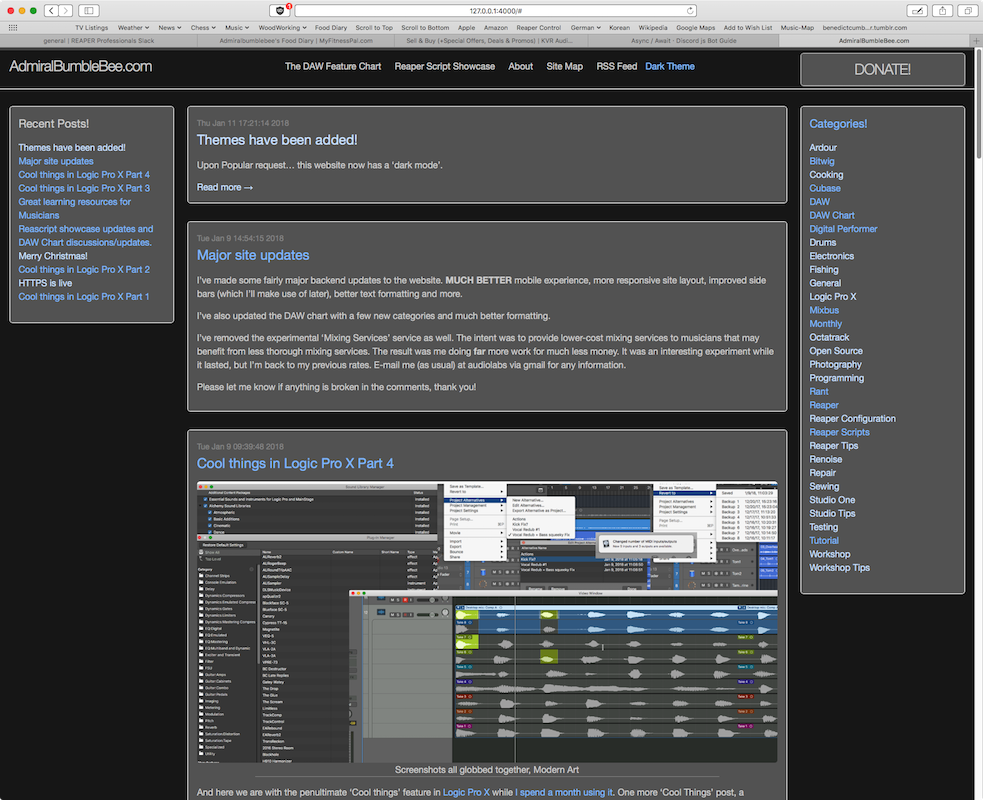
Upon Popular request... this website now has a 'dark mode'. Just hit that 'Dark Theme' or 'Light Theme' button in the navigation bar to switch. The value is saved with a 1000 day cookie.
The DAW Feature Chart is still the same colours. It's pretty mild so I won't change that unless there's some request.
I wrote this myself and I'm certainly no javascript genius. I'm also not a designer by any means, so I'm sure I can improve the theme colours.
Here's how it works... (please berate me if I did something stupid, thank you).
p.s. This was broken only when viewing the page for this post. I've since fixed that. Sorry!
Cool things in Logic Pro X Part 4
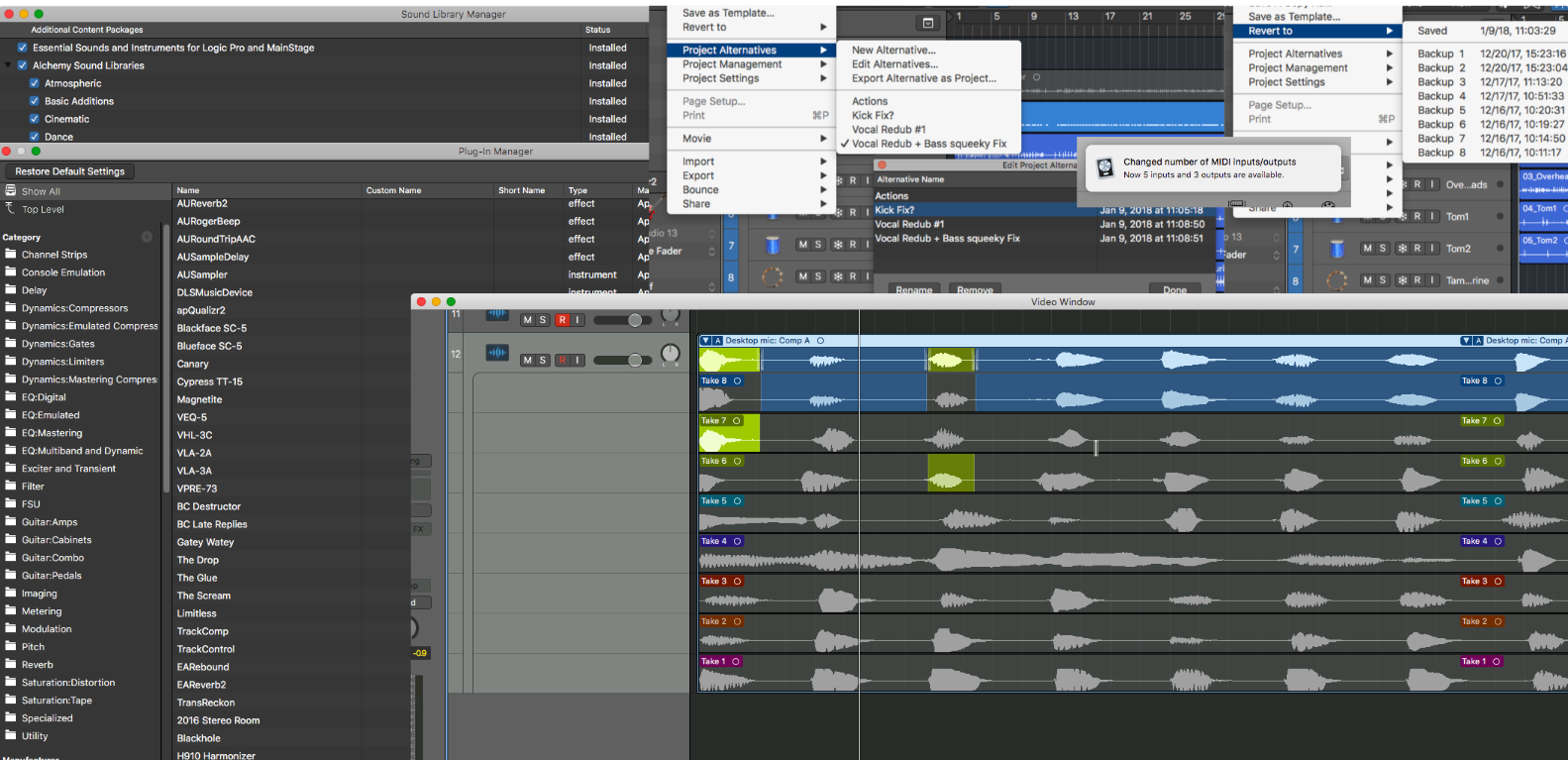
And here we are with the penultimate 'Cool things' feature in Logic Pro X while I spend a month using it. One more 'Cool Things' post, a surprise, effects review, instruments review and a conclusion are still coming.
There's no theme today, I'm just grabbing 5 things from my list I've been making and going with it.
- Plugin Organization
- Swipe Comping
- Alternatives and Reversions
- Content
- Automatic connections
Other parts in this series:
- Cool things in Logic Pro X Part 1
- Cool things in Logic Pro X Part 2
- Cool things in Logic Pro X Part 3
- Cool things in Logic Pro X Part 5
- Logic Pro X Tips & Tricks and more cool things
- Logic Effects Review
- Cool things in Logic Pro X Part 10.4
- Logic Instruments and MIDI Effects Review
- Things I hate about Logic Pro X and Conclusion!
Cool things in Logic Pro X Part 3
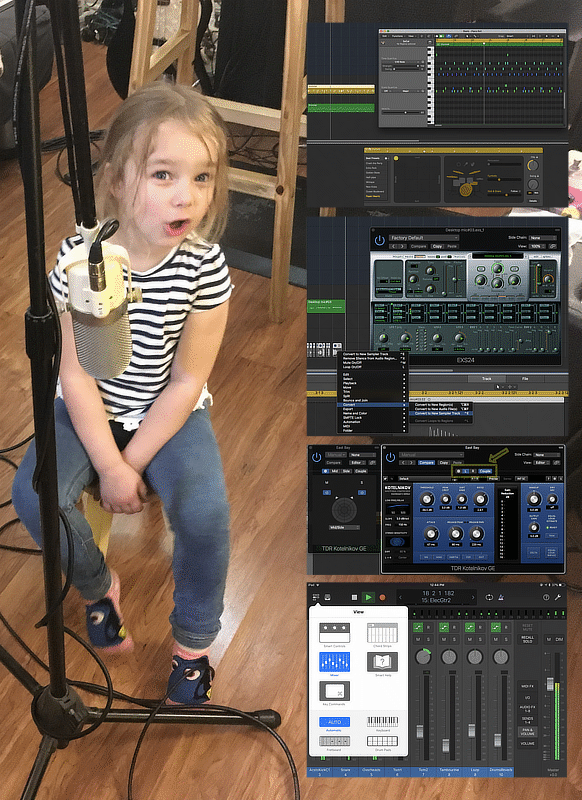
After a short holiday break I'm here to continue my series Logic Pro X while I spend a month using it.
Today I'm covering a selection of features that I think are criminally overlooked in other examinations of Logic that I've read online.
- Logic Remote
- Drummer
- Multi and Dual Mono
- Convert to Sampler Track
Other parts in this series:
- Cool things in Logic Pro X Part 1
- Cool things in Logic Pro X Part 2
- Cool things in Logic Pro X Part 4
- Cool things in Logic Pro X Part 5
- Logic Pro X Tips & Tricks and more cool things
- Logic Effects Review
- Cool things in Logic Pro X Part 10.4
- Logic Instruments and MIDI Effects Review
- Things I hate about Logic Pro X and Conclusion!
Cool things in Logic Pro X Part 2

It's time for part 2 of exploring some cool and relatively unique features in Logic Pro X while I spend a month using it.
These are some features for correction and creativity. (It so happens that my wife (seen above) was causually using these features to restore some old music cassettes in her sewing room the last few days.)
- Flex Time
- Flex Pitch
- Groove Track
- Quick Help
Time to dive in.
p.s. That's a Cane Massager hanging off the lights. They're pretty awesome for fixing knots in your neck and back that you can't reach yourself.
Other parts in this series:
- Cool things in Logic Pro X Part 1
- Cool things in Logic Pro X Part 3
- Cool things in Logic Pro X Part 4
- Cool things in Logic Pro X Part 5
- Logic Pro X Tips & Tricks and more cool things
- Logic Effects Review
- Cool things in Logic Pro X Part 10.4
- Logic Instruments and MIDI Effects Review
- Things I hate about Logic Pro X and Conclusion!
Cool things in Logic Pro X Part 1
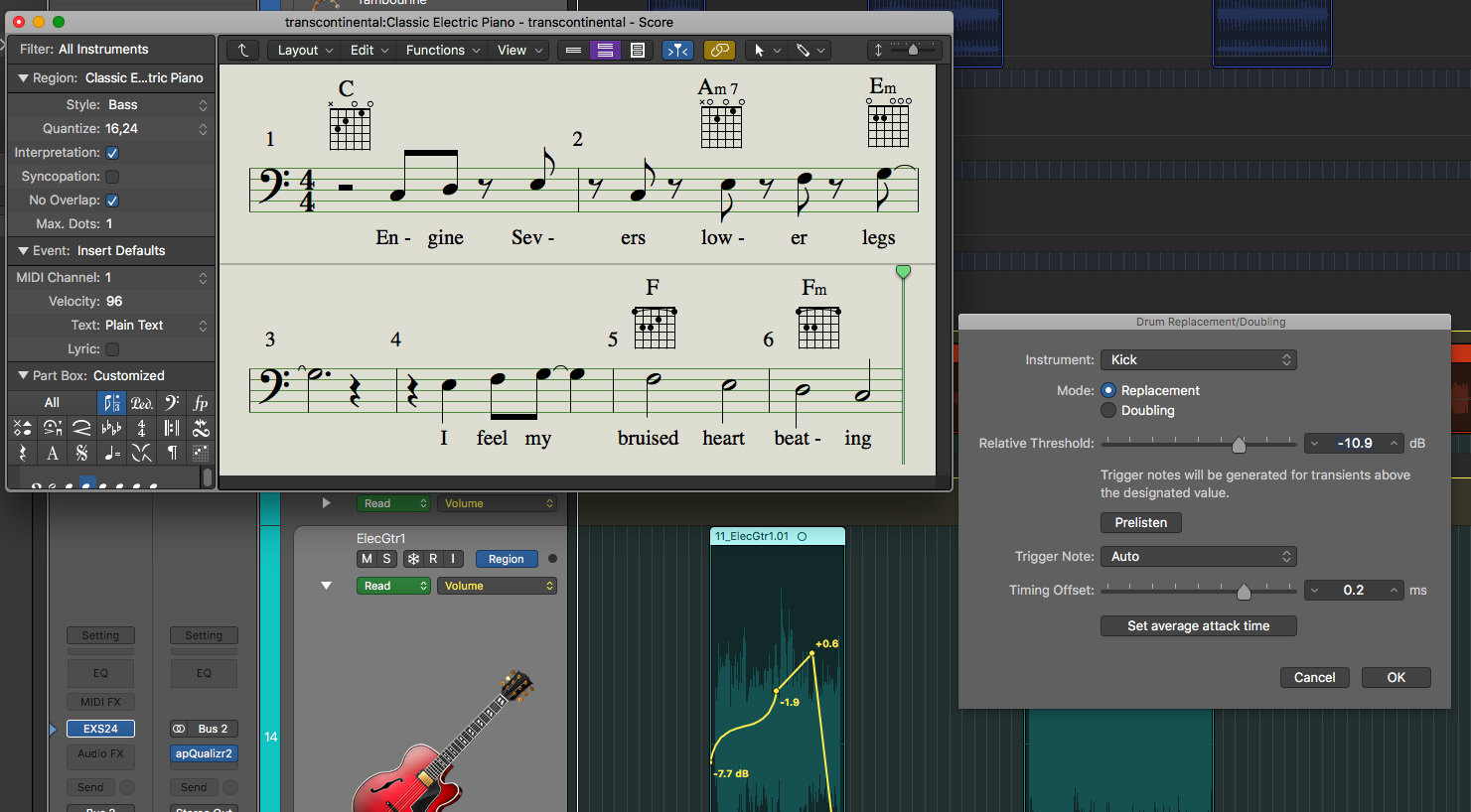
Here it comes! The part where I do a little mini-series on some cool features in Logic Pro X while I spend a month using it.
All three of these are not major unique features, but instead are quality of life-improvements. Little things that other DAWs also do, but not as well or as easily.
- Region Based Automation
- Drum Replacement and Triggering
- Guitar Notation and Tablature
- Persistent Undo
Let's get on to it!
Other parts in this series:
- Cool things in Logic Pro X Part 2
- Cool things in Logic Pro X Part 3
- Cool things in Logic Pro X Part 4
- Cool things in Logic Pro X Part 5
- Logic Pro X Tips & Tricks and more cool things
- Logic Effects Review
- Cool things in Logic Pro X Part 10.4
- Logic Instruments and MIDI Effects Review
- Things I hate about Logic Pro X and Conclusion!
Another tale of fantastic customer interaction - TBProAudio
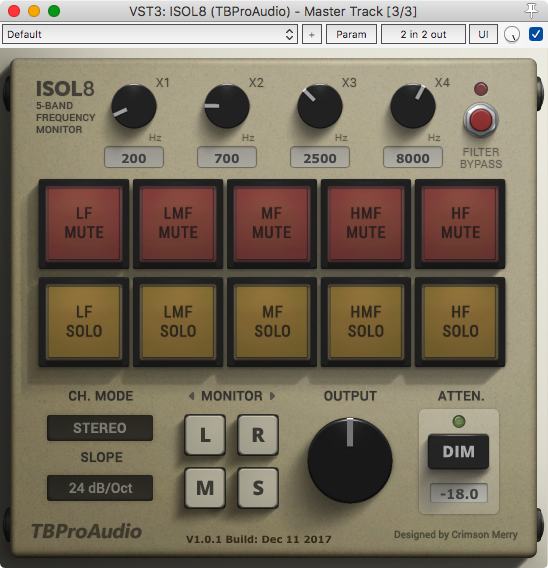
Perhaps you remember my previous post about Sonimus's fantastic customer interaction. Well recently, on the same subject even, another company has stepped up: TBProAudio.
Click through for the interaction and timeline.
Transfer mouse DPI/CPI settings to a different resolution device
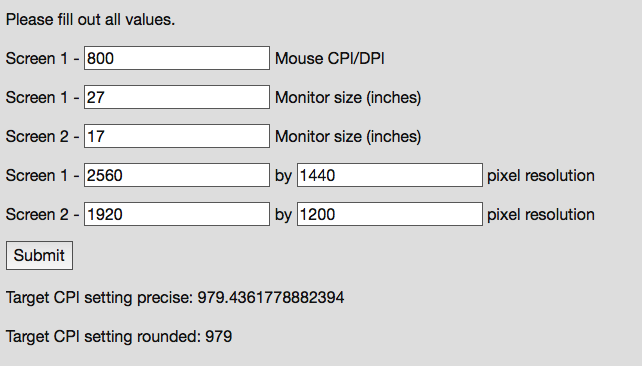
Do you have multiple computers, and use multiple mice? Then surely you've experienced the frustration of moving between the computers and the cursor movement feeling different. This really annoys me, and maybe it annoys you.
I've written a little calculator to help you translate your mouse cursor movement between devices and I explain how/why it works.
There is now a proper app version of this idea here:
If you just want the tool and not the wall of text, go straight to Cursor Scaling.
This is a wall-of-text with minimal pictures, but it's worth reading if you care about your computer workflow.
30 Days without Fabfilter products - The Conclusion
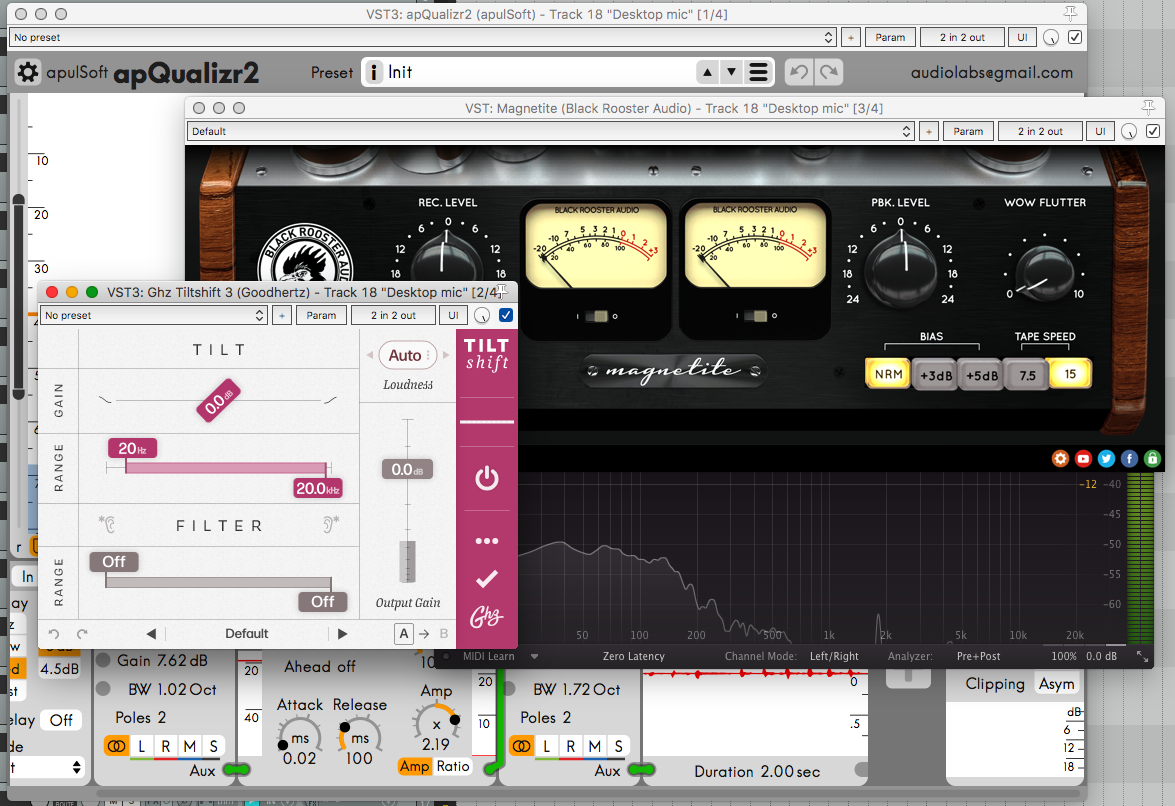
So a little over a month ago, I decided to not use any Fabfilter products for 30 days. I felt like I rely on them perhaps too heavily.
This post is to help wrap this up and show my conclusions. I'll discuss if there's any products I felt were superior for my uses, if there's any products I found a new respect for, and if I feel that the fabfilter option is simply the best in its class.
I won't be talking about the sound quality of these products unless there's some exceptional aspect of them worth mentioning. I think it goes without saying that I wouldn't choose a product that I feel is sonically inferior.
Let's do this.
note: Pro-L 2 came out the day I released this, so it's not considered.
p.s.: Next 30 days is coming soon... 🍎
QA with Adrian Alexander, A&R rep, of Elliptical Sun Recordings
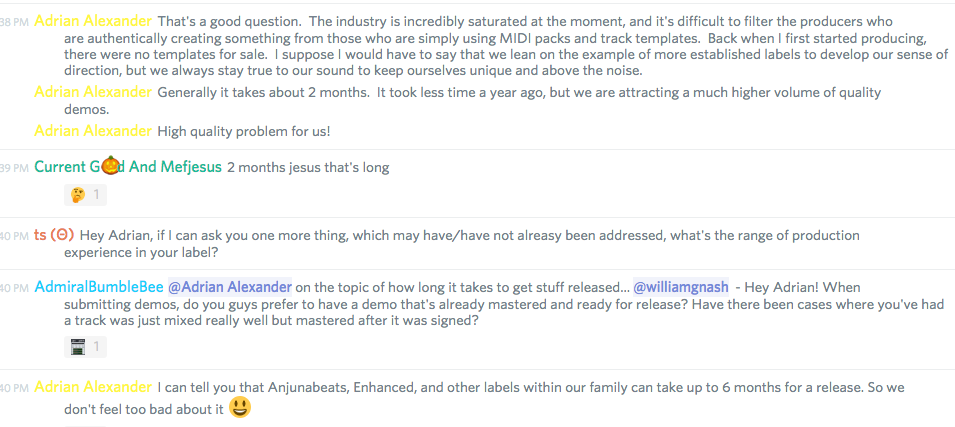
Recently on the EDM Production discord that I help administrate, I held a Q&A with Adrian Alexander, A&r rep, of Elliptical Sun Records. Specifically we discussed A&R and the music industry.
Click through for the whole Q&A as I've transcribed it.
Reaper macro controls, the cool way
Have you ever wanted to control many controls with one control? Automate many parameters with a single track?
Are you using Reaper?
Then this is the blog post for you! I'm going to walk you through the process of creating easy macros in Reaper with a very flexible and quick method.
Previously I have covered a similar method. I suggest checking that out as well for more ideas. Or you may want to check out one of my other wacky posts about routing in Reaper
Run LV2 plugins on macOS
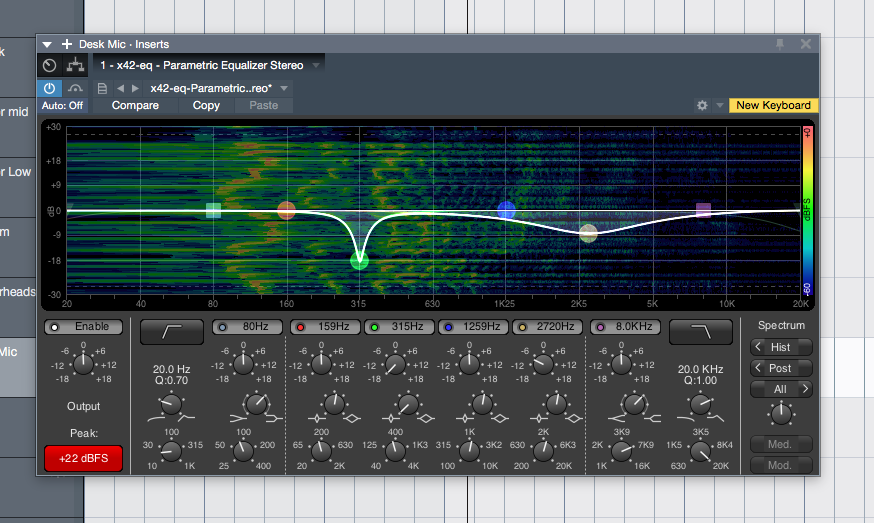
There's some awesome LV2 plugins out there for Macs, like the X42 plugins. Not everyone uses an LV2 host on macOS, but many people do use VST hosts. Even though mac-compatible LV2s, especially with GUIs, are rare, it's likely that increased user interest will generate increased developer support.
If you end up using an LV2 and enjoy it, please contact the developer and let them know that you appreciate their work!
So here's a short tutorial on how to use lv2vst to wrap your LV2 plugins to VST!
First will be a run-down for moderately experienced users/developers. Then I'm going to assume that you are on 10.11+ and have a bare-bones installation and know basically nothing.
This is written in my typical style rather than in a documentation format. This is not documentation. This is a how-to. If you have any questions, please post them in the comments.
A tale of amazing customer interaction - Sonimus
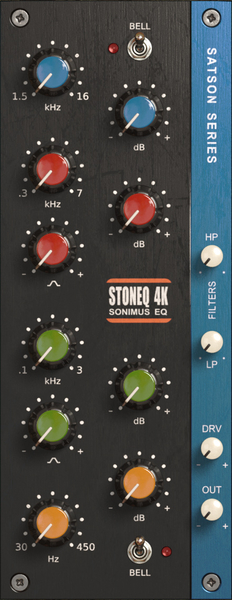
Recently Sonimus released StonEQ 4K which is an SSL 4k series EQ emulation.
I bought it.
If you read my most recent post about what I want in an EQ, you might be confused. Why did I purchase an EQ that has only what I do not want and none of the features that I do want?
Read more to find out.