Waveform: the good, the bad, the weird. - Version 9.1.1, Part 3: Macros, UI design, Ghost tracks, Buying
Part 3 is here. Today the main topic is how Waveform kicks Live and Bitwig's ass in one major way.
Today I'm covering:
- The Good
- Macro Parameters
- Sub-menu Niceness
- Ghost Tracks
- The Bad
- The Store
- The Weird
- Surprise!
Other parts in this series:
VERSION - This review is (hopefully) accurate as of Waveform 9.1.1. Further versions may obsolete these views.
Routing Audio to Envelope Follower with Racks in Waveform
In my previous Waveform Review I talked about issues with the Envelope Follower modifier.
The issue is that if you want to route audio from Track A to the modulate audio on Track B, it requires a workaround with Racks
EDIT: Racks are NOT necessary unless you want the envelope to happen live. I updated this post on the 16th of March to reflection a correction by a reader. Thank you PierreG!
Someone asked for instructions on how to do this. So here it is!
Waveform: the good, the bad, the weird. - Version 9.1.1, Part 2: Modulation, Plugin browsing, Annoyances, GUI
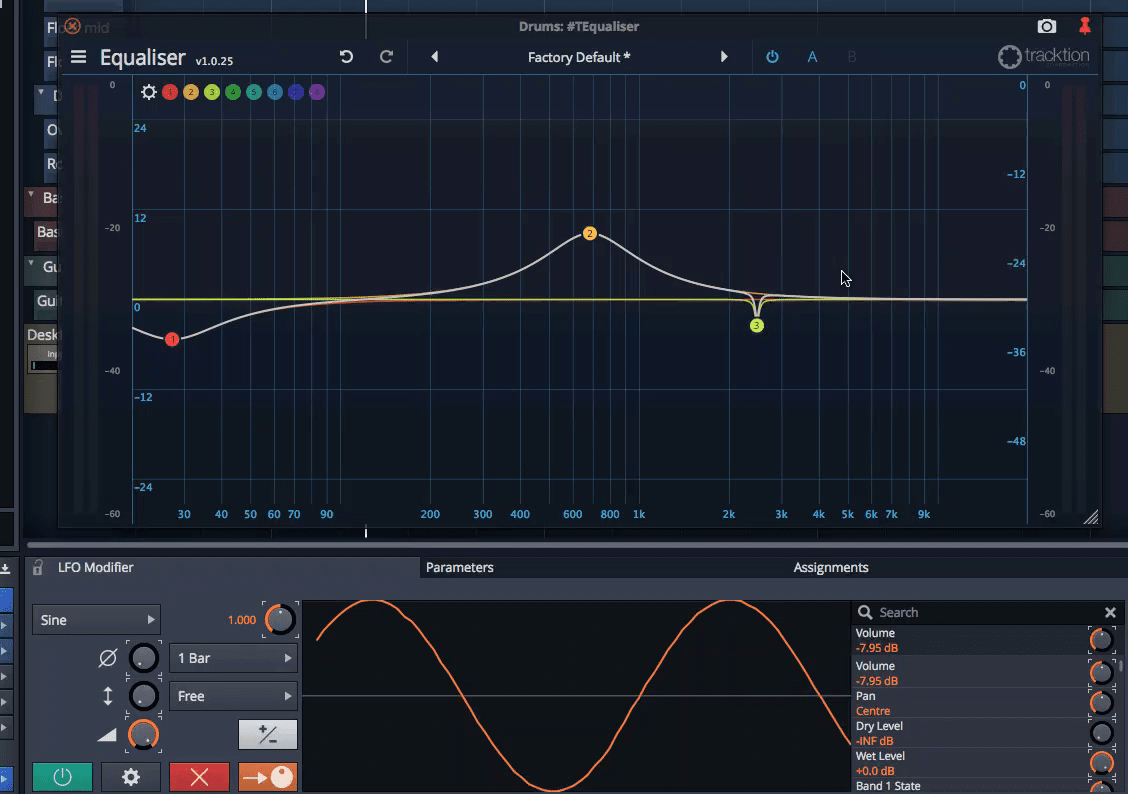
Part 2 of 30 days with Tracktion Waveform 9. I'm trying to get these out every 3-4 days, but I was unable to last week so we ended up having that interview with Ben Loftis of Harrison and Mixbus.
Today I'm going to cover some really cool things, some annoyances that seem minor (but really irk me!), and the weird core of Waveform's design philosophy.
- The Good
- Modifiers
- Plugin Selector
- Plugin Thumbnails
- The Bad
- Renaming tracks
- Track Colouring
- The Weird
- Single Pane Interface
Other parts in this series:
VERSION - This review is (hopefully) accurate as of Waveform 9.1.1. Further versions may obsolete these views.
Interview with Ben Loftis of Harrison Consoles about Mixbus
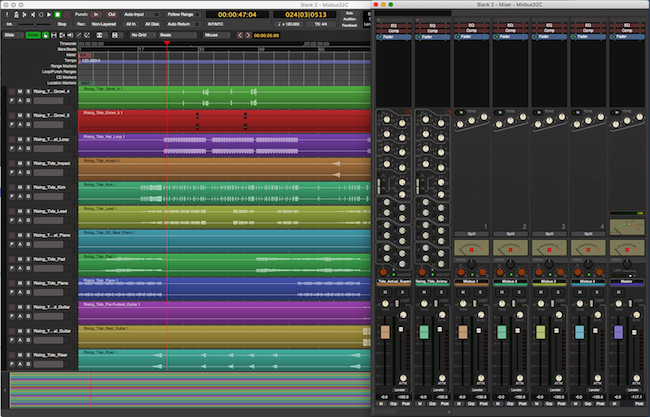
I previous did a review series about Mixbus 32c 4.x. Harrison Mixbus is a relatively new DAW in the music world, yet has easily managed to insert itself in to the pro audio world as a contender.
I took some time to discuss Mixbus with Ben Loftis. We covered some of the history of Mixbus, goals, design challenges and team management.
This interview was conducted on IRC. I attempted to keep most of the content intact as written, but I made some edits so that the text is more clear for non-native english readers. If you have questions, please leave a comment and I will clarify and/or edit that section.
Click through for the full text interview.
Waveform: the good, the bad, the weird. - Version 9.1.1, Part 1: Browser, Mixing, GUI, VCAs
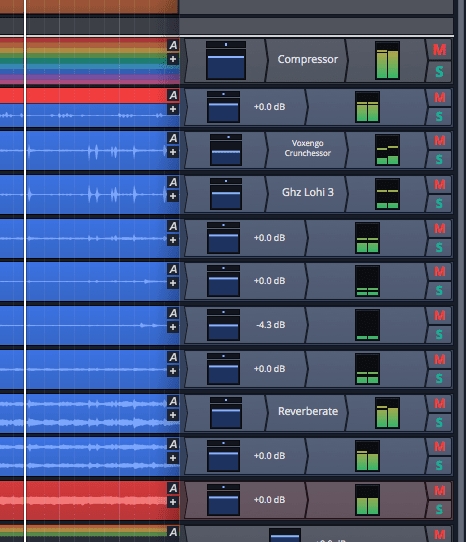
It's finally time for the Tracktion Waveform 9 review!
I'm going with a different format this time. Each post will cover at least one of the following categories: good, bad and weird. Each category may have more than one entry. If all goes well then the 'good' section will have multiple entries each time, and maybe there'll be a post with no Bad section?
I love Korean cinema (and kdramas). One of my favorite films is 좋은 놈, 나쁜 놈, 이상한 놈, aka "The Good, the Bad, the Weird". I highly suggest watching it. Even if you don't like subtitles, I think it may be capable of swaying you. That's where the idea for this review format came from.
So let's get on with it!
- The Good
- The Browser
- Mixing
- Racks
- The Bad
- Non-Native
- The Mixer
- Mixing?
- The Weird
- VCAs
Other posts in this series:
VERSION - This review is (hopefully) accurate as of Waveform 9.1.1 Further versions may obsolete these views.
Replacing a 2013-2017 iMac hard drive
I usually try to avoid duplicating information that you can easily find online other places. I want my website to be full of relatively unique content. This week I needed to change the hard drive in my iMac because it was failing and I wanted something better. You can find out how to do this in a number of places, so I'm not really bringing in groundbreaking content here.
I am doing the 30 days with Waveform right now though, and I've been unable to progress on this review due to the large number of studio changes and the necessity to upgrade my main studio system.
Rather than having no posts for 7-8 days while I try to catch up, I've decided to show how I went about the process of changing my iMac's 1tb Seagate Barracude to a 1tb Samsung EVO 850 Solid State Drive.
This is also a great citation if you're a non-Mac person and want to show people why macs are awful. Likewise it's a great post if you're a mac user and want to suffer along with me.
Let's get on with it.
30 days with Tracktion Waveform 9.1.1 - Version 9, Part 0: Intro
Making a wooden wedding band
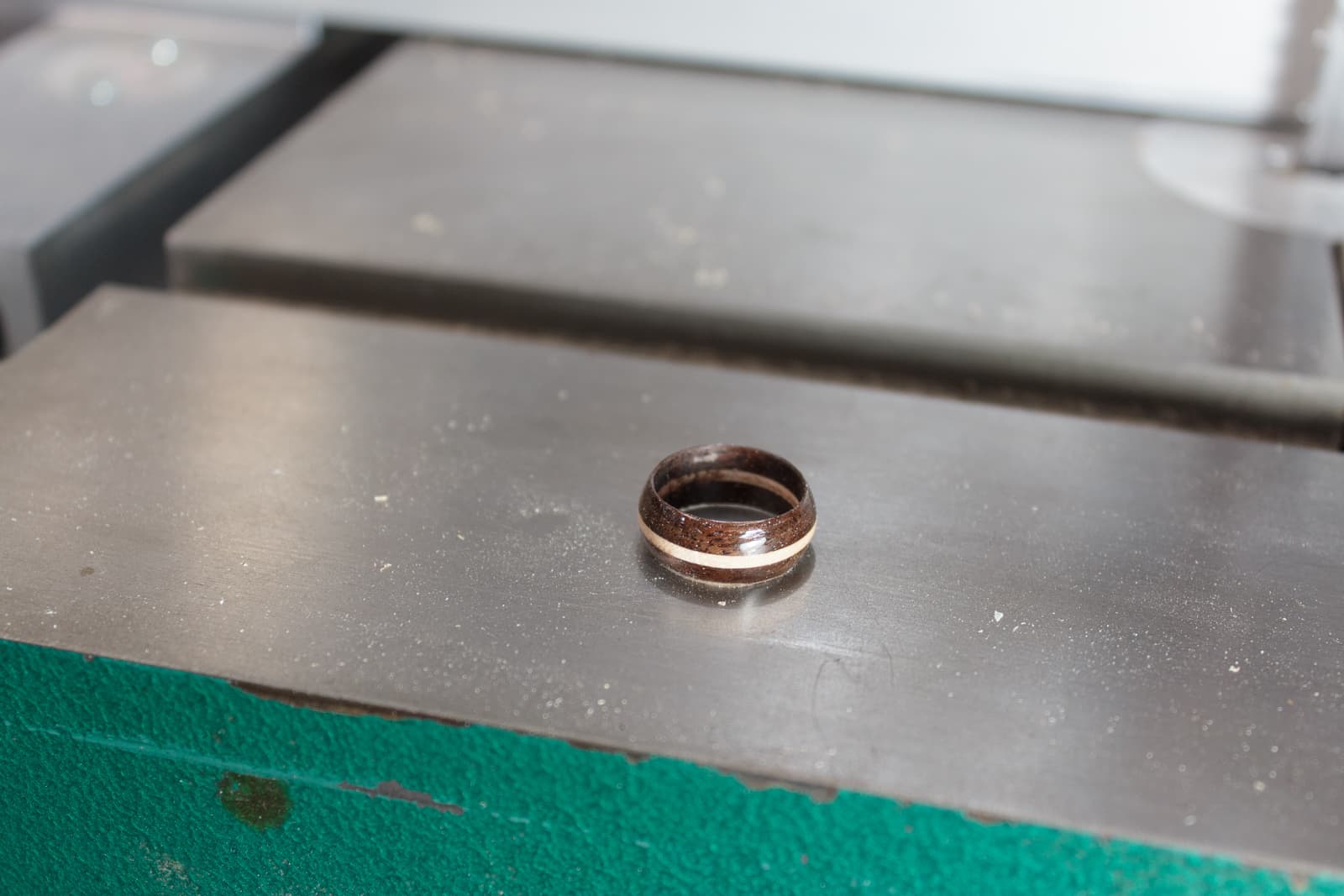
My wife does not have a wedding band. We've been together since 2000, and she's never had one. So I'm going to see if I can make one.
I've never made a ring before and I did zero research on how to do this. I just put some thought power in to it and then whacked at some wood.
Here's my process...
Interview with Paul Davis of Ardour about Ardour 6.0 and more

On Sunday the 18th of February, I held an interview with Paul Davis of the fantastic Ardour audio software. I covered Ardour in the past a few times.
While Paul is not the only awesome person that works on the software, due to its open source nature, he is the benevolent dictator that helps keep things flowing.
I wanted to find out about some of the big changes that may be coming in Ardour 6.0. What are the changes? Why where the necessary? How do they benefit the average user?
Let's hit it!
Fixing Phase... What, Why, When and How
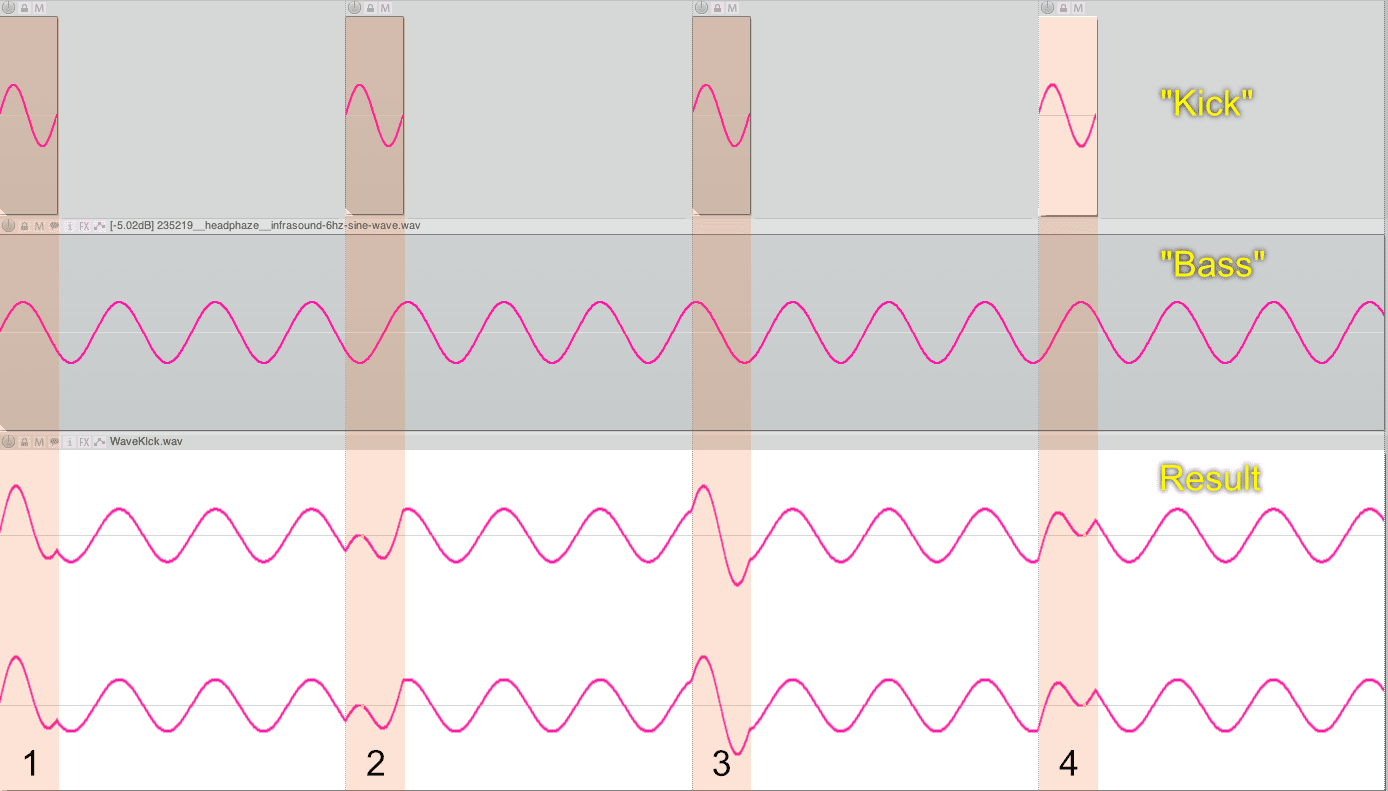
Often the phrase "Fixing the phase" or "Flipping the phase" (or more correctly, "Flipping the polarity") is used in audio production. What does that mean? Why would you attempt to do that? When should you look for problems? How do you do it?
I'm going to try and cover these questions starting from the very basics. This includes scenarios without physical recordings, so you electronic musicians may get something out of it too!
Let's get started.
Making a Headphone Holder for my Desk from $2usd of Pine
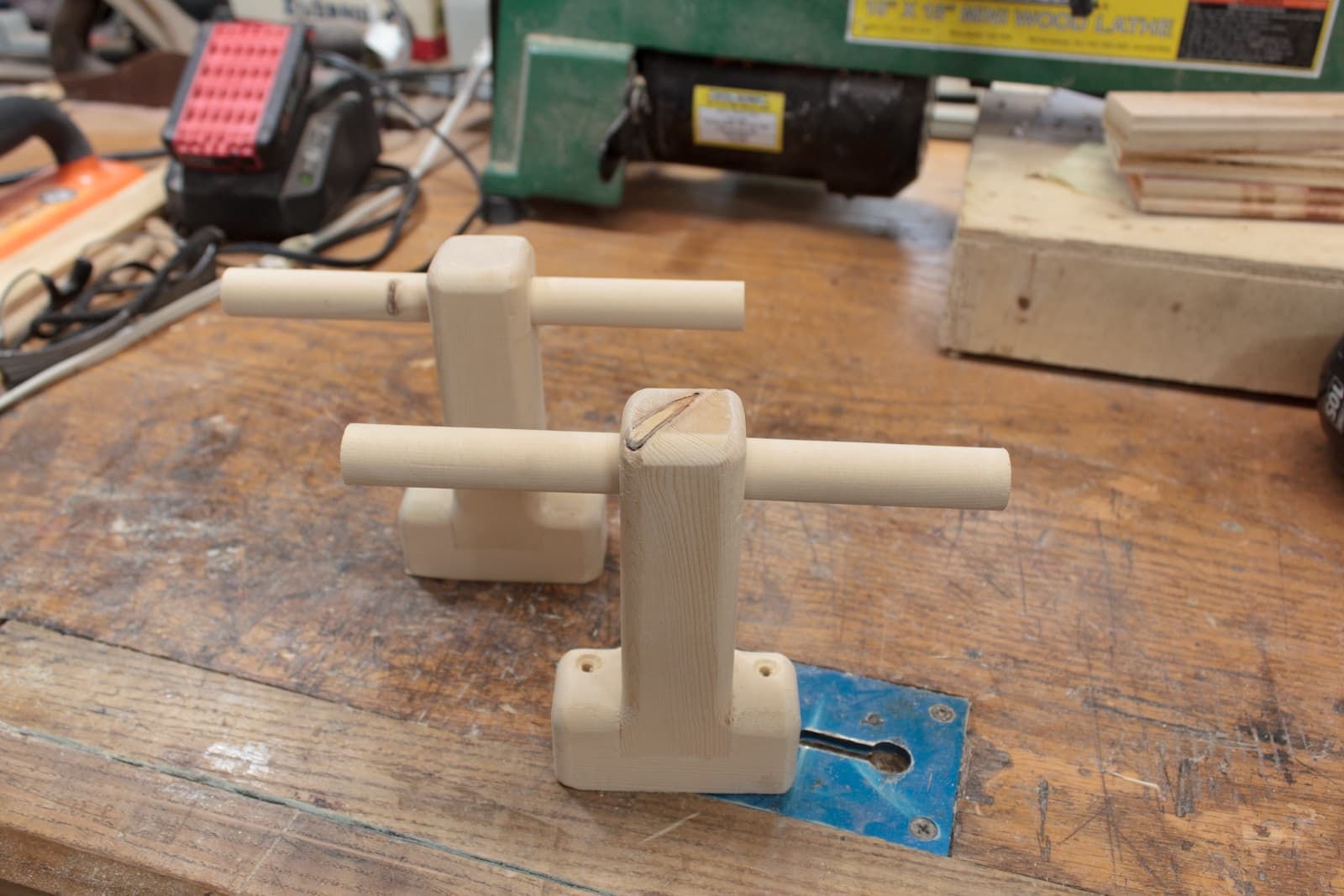
I have nowhere in my studio to properly put headphones. It's rather annoying.
So today I decided to make some simple hooks to screw on to my desk. I used a small port of a pine 2x4. The amount of wood used is about $0.56usd of wood.
The total cost of tools used was about $4,000usd. You could easily do this with a chisel, a $10 saw, a drill and some drill bits. Maybe I'll do something like that next time.
Now let's get on to it!
How to write a Reaper MIDI JSFX from scratch - A guide for the COMPLETE newbie
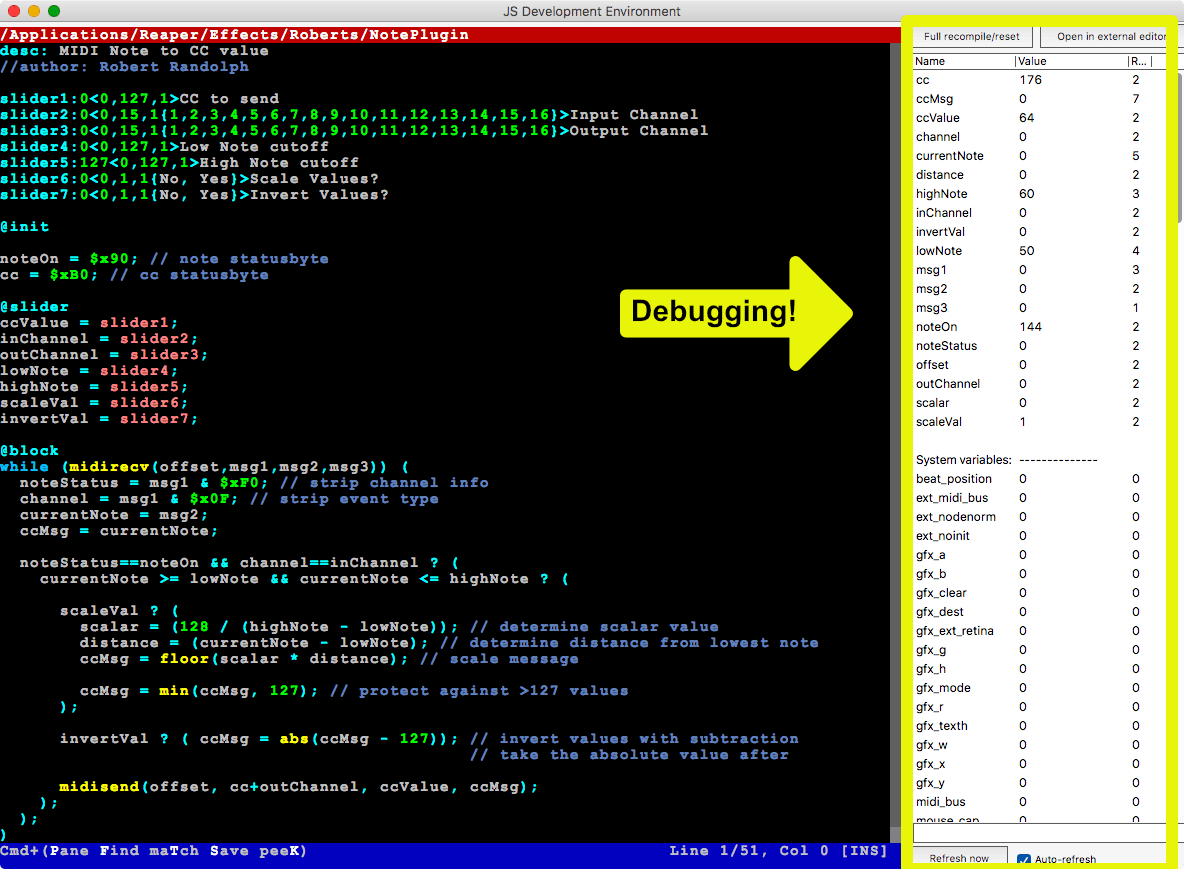
Today I'm going to show you how to write a MIDI plugin in Reaper using JSFX.
BUT WAIT! I'm going to assume that you are a total newb. I am going to walk you through every aspect of the process including how to find information.
The following topics will be covered:
- Basic JSFX MIDI programming
- How MIDI works, and how to find out more
- Simple Binary
- Counting in Binary
- Binary math
- Binary operators
- Hexadecimal
- Basic programming
- Basic problem solving
The only thing that you need for this is a computer with Reaper installed and a working internet connection. If you have any questions then please comment, I will happily answer to the best of my ability.
Big shoutout to Jon at The Reaper Blog. He brought up this question about a plugin that translated MIDI notes to CC on behalf of another user. That's why I wrote this entire thing.
Things I hate about Logic Pro X and Conclusion!
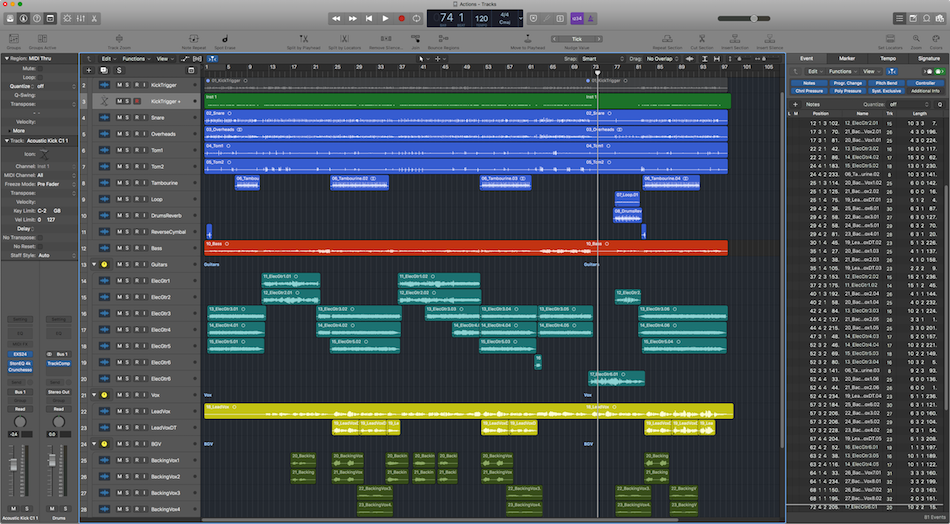
It's time for the post that everyone seems to love: when I talk about the stuff I dislike about a DAW.
First things first: If you see anything that's wrong or know of a great work around then please leave a comment. I will gladly update the post with the information if it's good.
There won't be too many images here, so be prepared for a bit of reading and not many eye-catching screenshots. I've split things in to categories as well so that you can see the portions that are of most interest to you.
These grips apply to Logic 10.4. I wrote a good portion of this before 10.4, but I tried to make sure I erased anything that was improved with the update. If I missed something then that's mea culpa, so please correct me.
Oh right, and this is the last post in the series! My ultimate conclusion is at the end!
Let's get on it.
Parts in this series:
- Cool things in Logic Pro X Part 1
- Cool things in Logic Pro X Part 2
- Cool things in Logic Pro X Part 3
- Cool things in Logic Pro X Part 4
- Cool things in Logic Pro X Part 5
- Logic Pro X Tips & Tricks and more cool things
- Logic Effects Review
- Cool things in Logic Pro X Part 10.4
- Logic Instruments and MIDI Effects Review
Logic Instruments and MIDI Effects Review
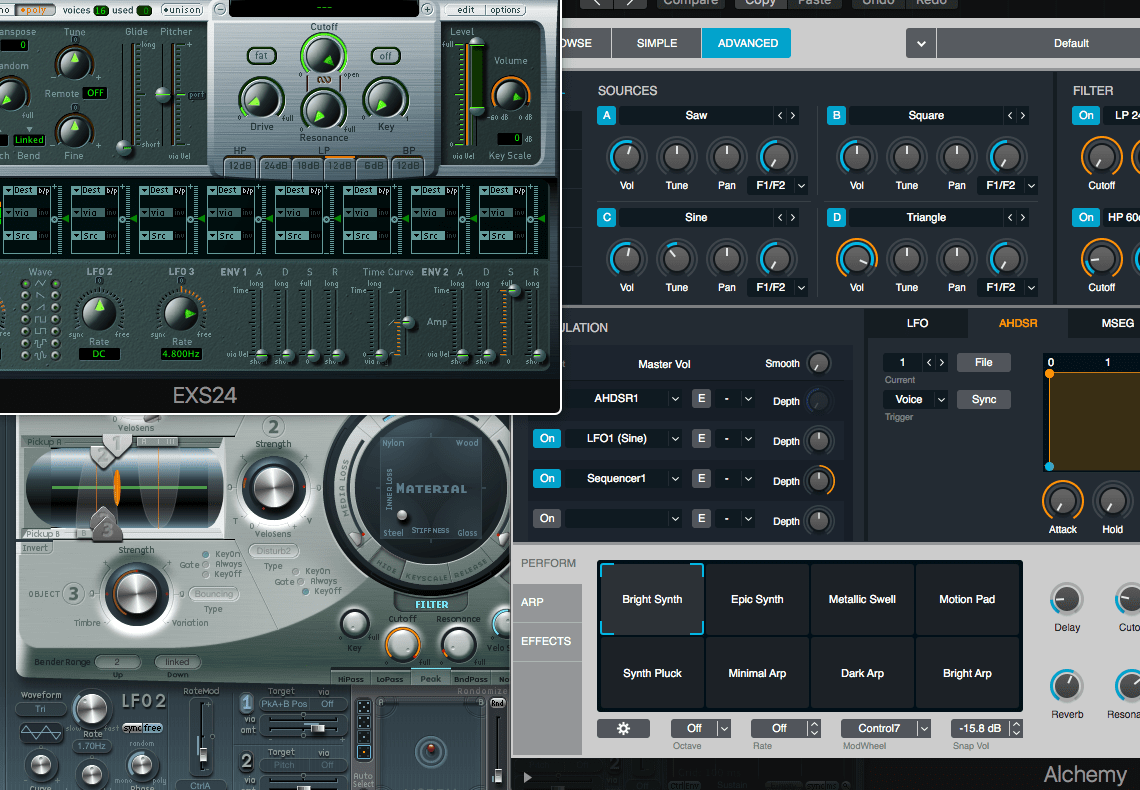
Once again we're here with a new review! I'm doing all of the Instruments and MIDI Effects in Logic Pro X. Just like the Logic Effects review I'm going to split these in to categories.
- Fantastic - These are plugins that I think would be an excellent value to purchase if possible. Likewise, they compare favourably with third-party plugins on the market.
- Sufficient - Sufficient get the job done without much hassle. There may be no fancy extra features like some third-party competitors, or maybe the DAW version is missing some common feature, but nevertheless it's enough to get the job done.
- Flawed - As the name implies, these plugins have some sort of flaw. I would suggest replacing these with a third-party product.
Many of the plugins are vectorized for clean resizing and retina screens. I've marked the non-vectorized models as of Logic 10.4.
The MIDI Effects are all excellent and will have their own section. You can assume that all of these are 'Fantastic'.
There will be a total rating for everything included though, and that rating is...
Spoiler - Overall rating:
Parts in this series:
- Cool things in Logic Pro X Part 1
- Cool things in Logic Pro X Part 2
- Cool things in Logic Pro X Part 3
- Cool things in Logic Pro X Part 4
- Cool things in Logic Pro X Part 5
- Logic Pro X Tips & Tricks and more cool things
- Logic Effects Review
- Cool things in Logic Pro X Part 10.4
- Logic Instruments and MIDI Effects Review
- Things I hate about Logic Pro X and Conclusion!
NOTE - I wrote this post in a different editor than I've been using the last ~9 months. A post is coming up on that in the future, but if you see any random ~~/j:s4k looking characters, it's because my normal mode keychord mapping is not configured to my liking yet. But eventually it'll be good enough
Cool things in Logic Pro X Part 10.4
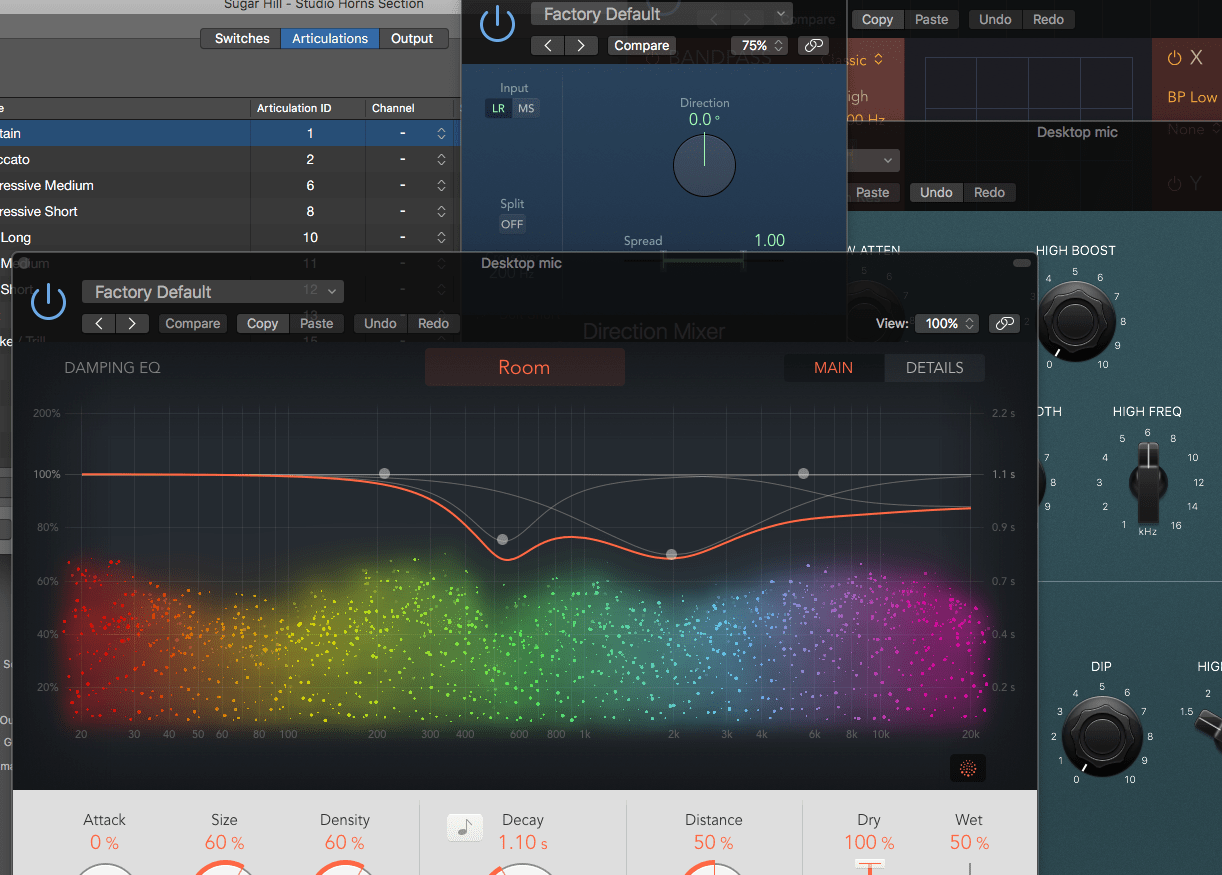
Logic 10.4 is out with a LOT of changes. There's new plugins too! Of course these are added 2 days after my Logic effects review that I spent so much time on.
So today I'm going to cover 3 of my favorite features in the new update, and the new plugins. When this post is live the Logic effects review will be updated as well. I've added some extra commentary to Logic effects review and adjusted a couple ratings as well.
There's a lot of new awesome things in the FREE update, but there's plenty of places you can learn about the update itself in great detail. I'm just going to go over a few things that I think are extra cool. So what am I covering today?
- Features
- Mixer and Plugin undo
- Articulation management
- Smart Tempo
- Plugins
- Chromaverb
- PhatFX
- StepFX
- Vintage Console EQ
- Vintage Graphic EQ
- Vintage Tube EQ
Parts in this series:
- Cool things in Logic Pro X Part 1
- Cool things in Logic Pro X Part 2
- Cool things in Logic Pro X Part 3
- Cool things in Logic Pro X Part 4
- Cool things in Logic Pro X Part 5
- Logic Pro X Tips & Tricks and more cool things
- Logic Effects Review
- Cool things in Logic Pro X Part 10.4
- Logic Instruments and MIDI Effects Review
- Things I hate about Logic Pro X and Conclusion!
Logic Effects Review
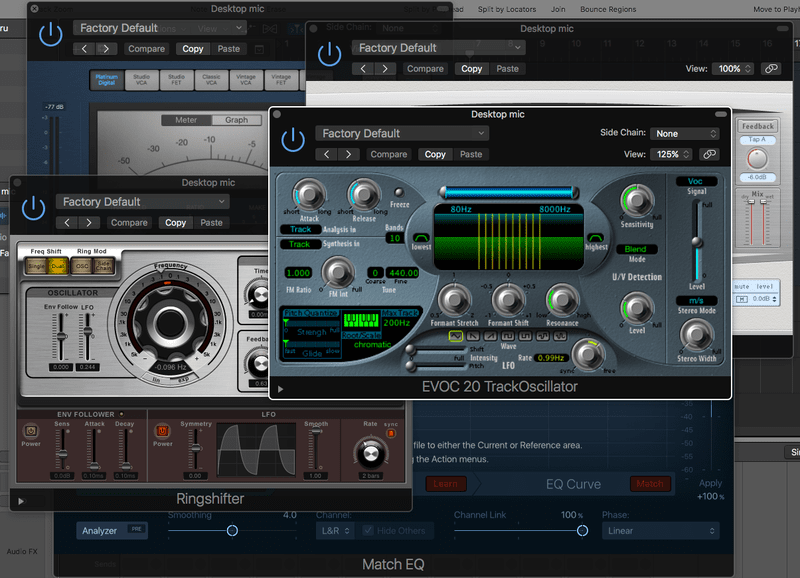
It's time for the Logic Effects review, finally! Sorry this has taken nearly an extra week, but we're here now. I spent 55 hours specifically reading the effects manual, evaluating every plugin on a number of sources, testing with various analysis tools, reading the manual again, writing about plugins and editing this document. (I'm totally sick of it btw, jeez). That doesn't include the time I've spent so far just casually using the products. There may be an error here or there, so please let me know if you see one!
This time I'm doing the effects review differently than I have in the past (Mixbus Effects, Mixbus Instruments, Bitwig Effects, Bitwig Instruments, Cubase Effects, Studio One Effects and Studio One Instruments). Instead of rating every single plugin, I'm splitting the plugins in to 3 categories: Fantastic, Sufficient and Flawed. The categorization is decided as follows:
- Fantastic - These are plugins that I think would be an excellent value to purchase if possible. Likewise, they compare favourably with third-party plugins on the market.
- Sufficient - Sufficient get the job done without much hassle. There may be no fancy extra features like some third-party competitors, or maybe the DAW version is missing some common feature, but nevertheless it's enough to get the job done.
- Flawed - As the name implies, these plugins have some sort of flaw. I would suggest replacing these with a third-party product.
Many of the plugins are vectorized for clean resizing and retina screens. I've marked the non-vectorized models as of Logic 10.4.
There will be a total rating for everything included though, and that rating is...
Spoiler - Overall rating:
Parts in this series:
- Cool things in Logic Pro X Part 1
- Cool things in Logic Pro X Part 2
- Cool things in Logic Pro X Part 3
- Cool things in Logic Pro X Part 4
- Cool things in Logic Pro X Part 5
- Logic Pro X Tips & Tricks and more cool things
- Cool things in Logic Pro X Part 10.4
- Logic Instruments and MIDI Effects Review
- Things I hate about Logic Pro X and Conclusion!
EDIT Updated for Logic 10.4!!
Creating lists of plugins with Tesseract
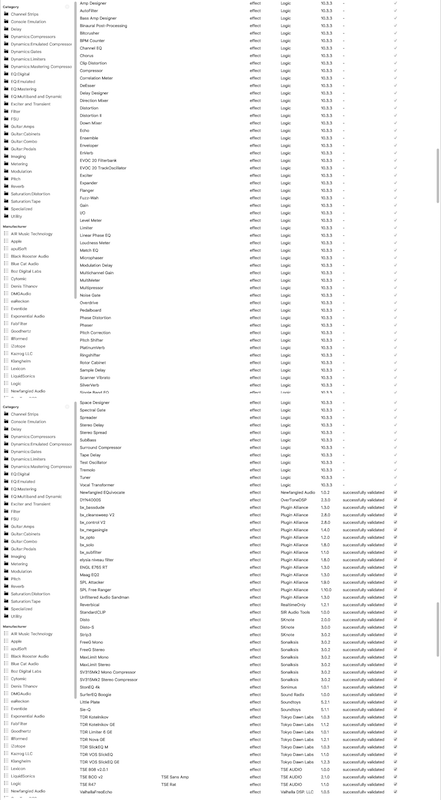
Have you ever wondered how I create those lists of plugins when I do plugin reviews like these: like: Mixbus Effects, Mixbus Instruments, Bitwig Effects, Bitwig Instruments, Cubase Effects, Studio One Effects and Studio One Instruments?
I sure don't type all that out! I have it partially automated. I have a script that does a lot of this for me.
Let me walk you through how I use Tesseract OCR, ImageMagick and Regular Expressions to do the heavy lifting for me. I will walk you through the individual steps of how I process screenshots with OCR, but not the creation of the script that does everything for me.
This post assumes that you are on a Unix or Linux distro. This can be done on Windows, but I won't be covering that.
Note: If it's not obvious, I'm buying a bit of time for my Logic Effects and Instruments reviews again. They're coming, but it's a lot of work!
Logic Pro X Tips & Tricks and more cool things

I need a few extra days to work on the effects review like I've done for other products like: Mixbus Effects, Mixbus Instruments, Bitwig Effects, Bitwig Instruments, Cubase Effects, Studio One Effects and Studio One Instruments.
I'm trying to improve each successive review, so this one is taking more time than any previously. Of course, I also hope to update previous reviews soon... maybe. The Studio One reviews particularly need an update.
Anyway! Here's some tips and tricks I've learned while writing this Logic review... and 5 more cool things about Logic Pro X!
P.S. Huge shoutout to Edgar Rothermich, Eli Krantzberg, the aforementioned at Logic Pro expert and the staff at Logic Pro Help. Some of these tips come from their awesome resources. I also highly recommend Edgar's Graphically Enhanced Manuals. I've gone through the free selection and they are awesome. These guys all are 'Cool things' about Logic.
Parts in this series:
- Cool things in Logic Pro X Part 1
- Cool things in Logic Pro X Part 2
- Cool things in Logic Pro X Part 3
- Cool things in Logic Pro X Part 4
- Cool things in Logic Pro X Part 5
- Logic Effects Review
- Cool things in Logic Pro X Part 10.4
- Logic Instruments and MIDI Effects Review
- Things I hate about Logic Pro X and Conclusion!