Cool things in Mixbus Part 2
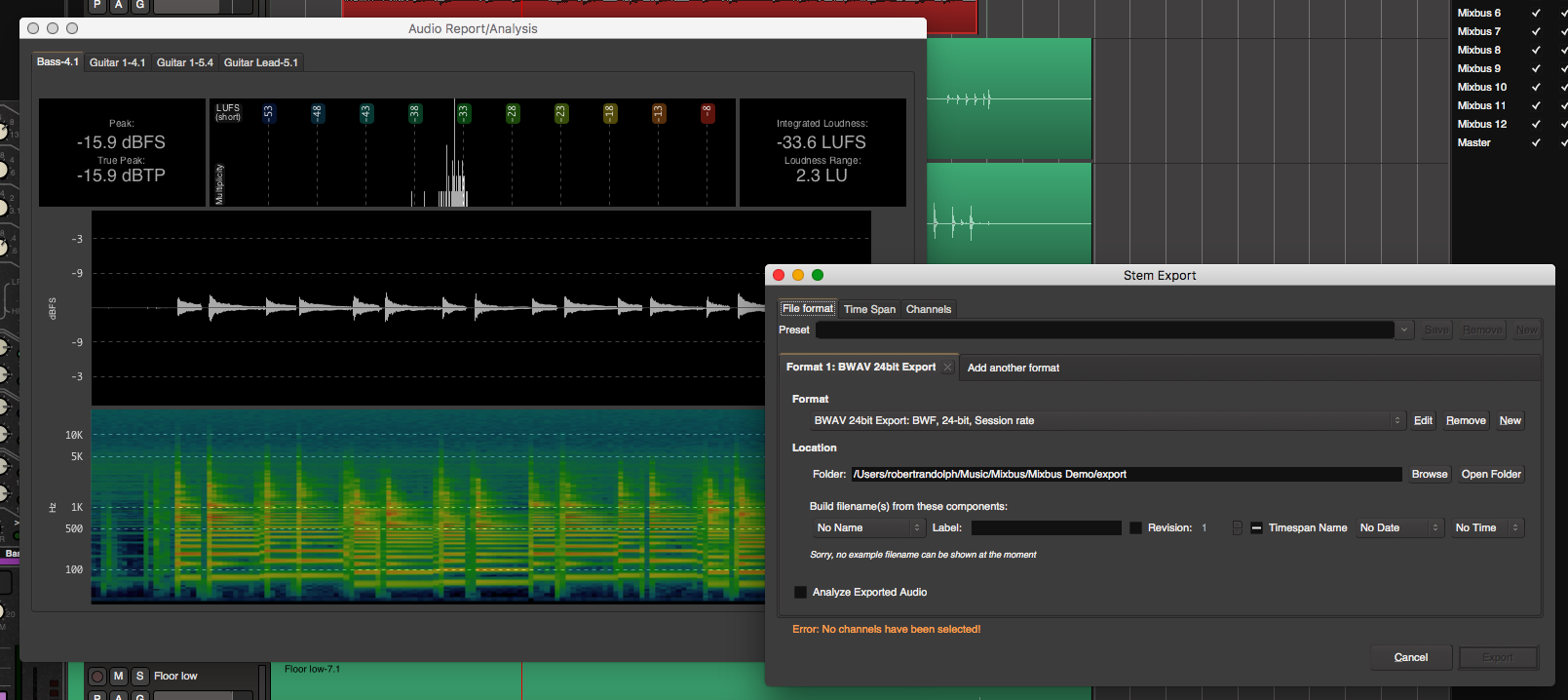
In part 1 I covered some cool features in Mixbus 4. Here in part 2 I'm going to cover three more awesome features in mixbus.
- Loudness Analysis
- Export Features
- Persistent Undo
Reaper Script Rate to Pitch and Preserve
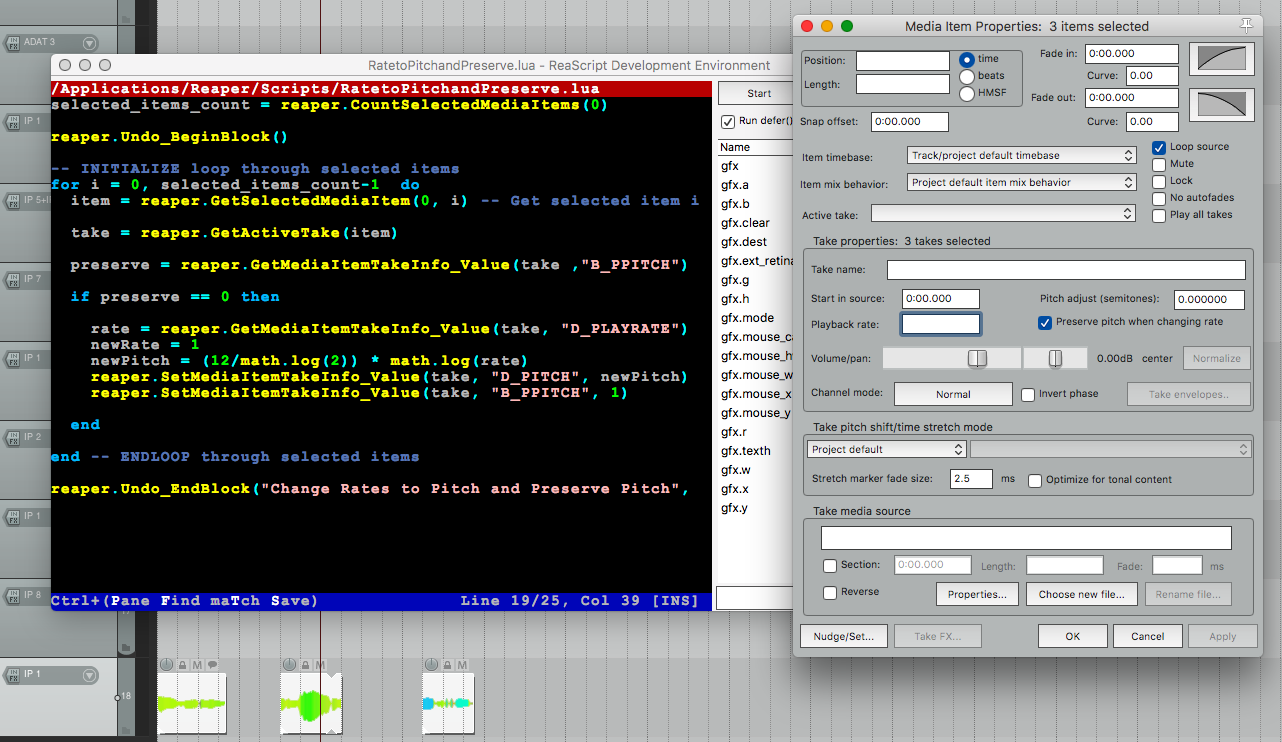
Sometimes in a project you may have some items with
- "Preserve pitch when changing rate" off, so that you can stretch them and change the pitch.
- "Preserve pitch when changing rate" on so that you can stretch the item and not change the pitch.
- Pitch changes via the "Pitch Adjust" parameter.
The following script consolidates the selected items so they retain their length and pitch, but with "Preserve pitch when changing rate" on.
It does this by finding items with "Preserve pitch when changing rate" off, then it translates the rate to pitch, assigns that to the pitch value and turns on "Preserve pitch when changing rate".
Thanks to Canopy for the idea EDIT: 17th of March - and he corrected the script to work with non-rate pitch-based offset.
Cool things in Mixbus Part 1
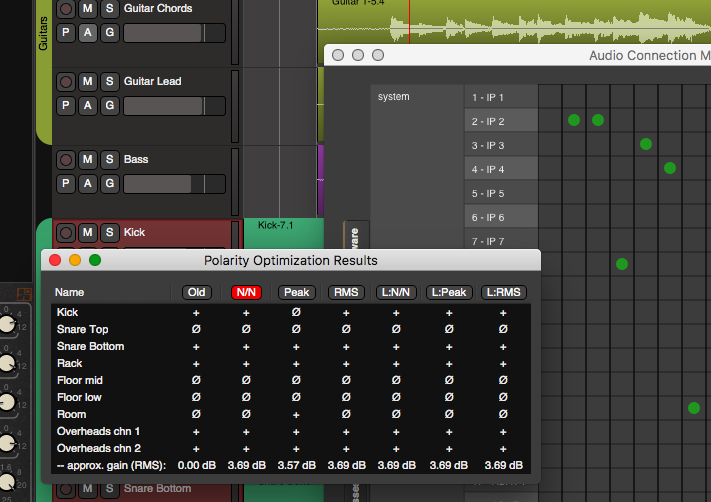
Mixbus has a number of awesome features that don't have anything to do with its much lauded 'Mixbusses'. This begins a multi-part series covering some of these aspects, and eventually the mixbusses themselves.
- Optimize Polarity
- Audio Connection Manager
- Grouping
Let's dive in!
Realtime pitch-tracked EQ bands in ReaEQ
If you read my post on Keytracking then maybe you saw that I implied that you can use the pitch of any audio signal.
So let me share how you can modulate the frequency value of a ReaEQ band by the incoming audio's pitch!
Keytrack any parameter in Reaper with this script
Keytracking is a capability that many synthesizers have. It allows you to modulate a parameter by the value of the incoming midi note.
This capability is very useful to be applied outside of a synthesizer. Perhaps you want your higher frequency synth notes to have more reverb than the lower frequency notes, or maybe you want an LFO to be less drastic when you're playing bass notes.
I've written a JSFX script for reaper that allows you to use midi-note values to modulate parameters. Let me show you how to use it.
Drumstick modification results
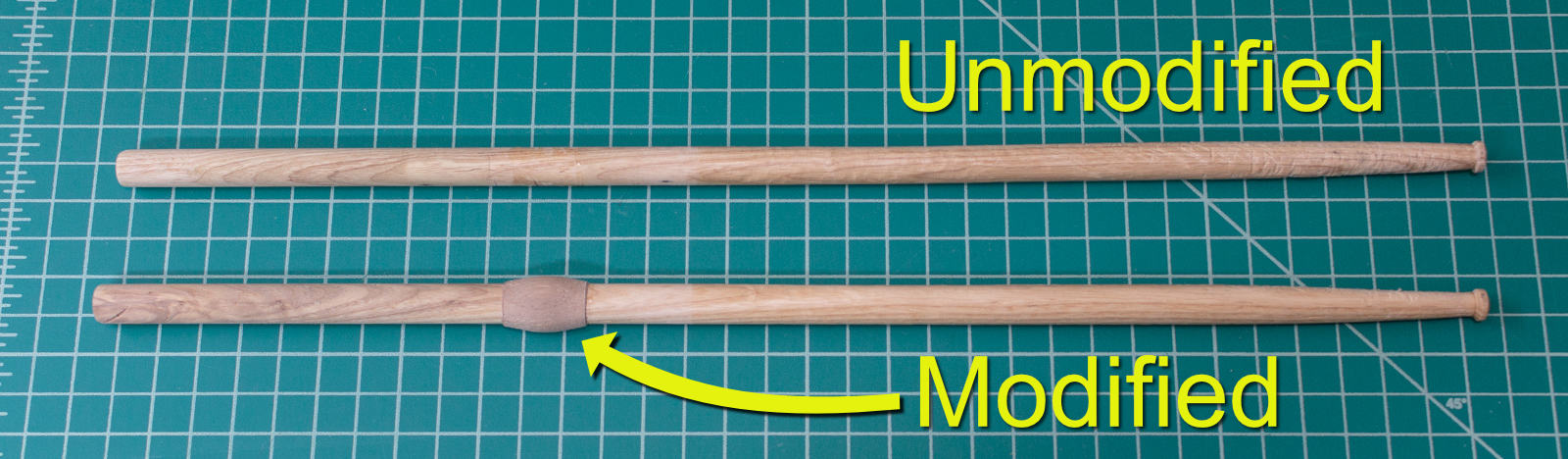
A while ago I wrote a post about modifying your drumsticks to help them last longer. I also have a video on the topic using another method that any drummer can execute, even on store-bought sticks without any tools.
It really will make your drumsticks last longer, sound better and get you all the ladies (guys).
Let me show you the results and benefits of the modification.
Awesome yet simple Threaded Rod/Screw cutting jig
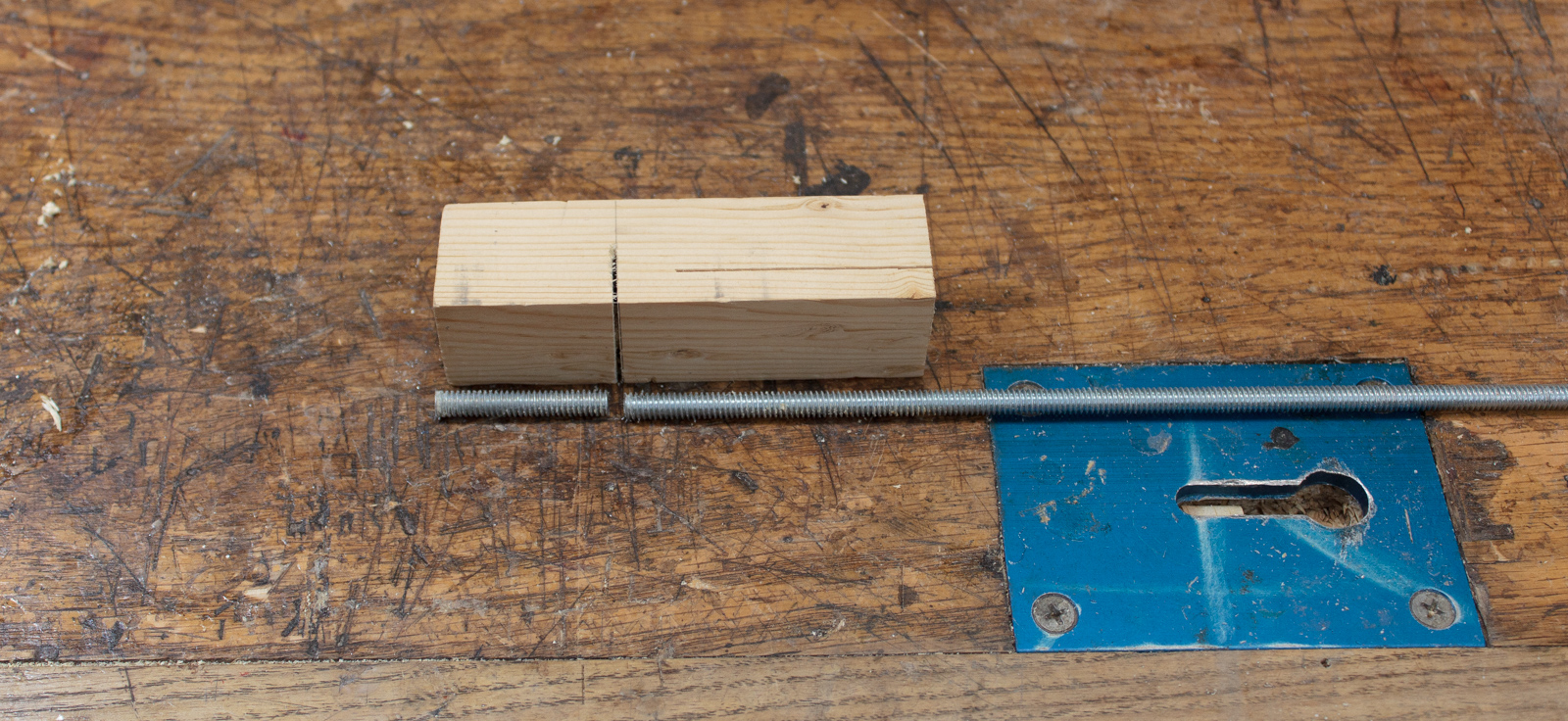
Cutting threaded rod is a pain. Even with the correct equipment it can be error prone.
If you have a saw, a drill and a short piece of wood then you can quickly make a jig that allows you to make repeatable cuts on threaded rod or bolts.
Read more to see the whole process.
Control multiple parameters across tracks in Reaper with faders
Some DAWs have macro controls that let you control many parameters with 1 control. Reaper has this capability, but with a lot more flexibility.
In the following tutorial I'm going to show you how to control almost any parameter in your project with a single slider. Not only that, but you can setup a fader to control all those parameters too!
Click through for the full tutorial...
A real Metronome or Click track in Reaper with toolbar button
I like to have a real click track in my project. That means that I want have a track with the click that I can put on effects or use as a sidechain source. I don't want a phantom click source that just plays when the project plays. I want a track.
Reaper allows you to do this, but if you want a button on your toolbar to control that track then you gotta write a script or two to make that work. So that's what I've done.
Click through to see how I setup a real click track, with effects, and a toolbar button that controls it.
DAW Chart v6 and Studio One 3.5

UPDATE: Please see the new DAW Feature Chart for more up-to-date information and a way cooler chart.
So I've updated the DAW chart after my 30 days of bitwig. I'm also updating it due to some changes in Reaper and Studio One as well.
Speaking of Studio One, let's go over some of the great free changes in 3.5!
How this site works - The technologies behind it
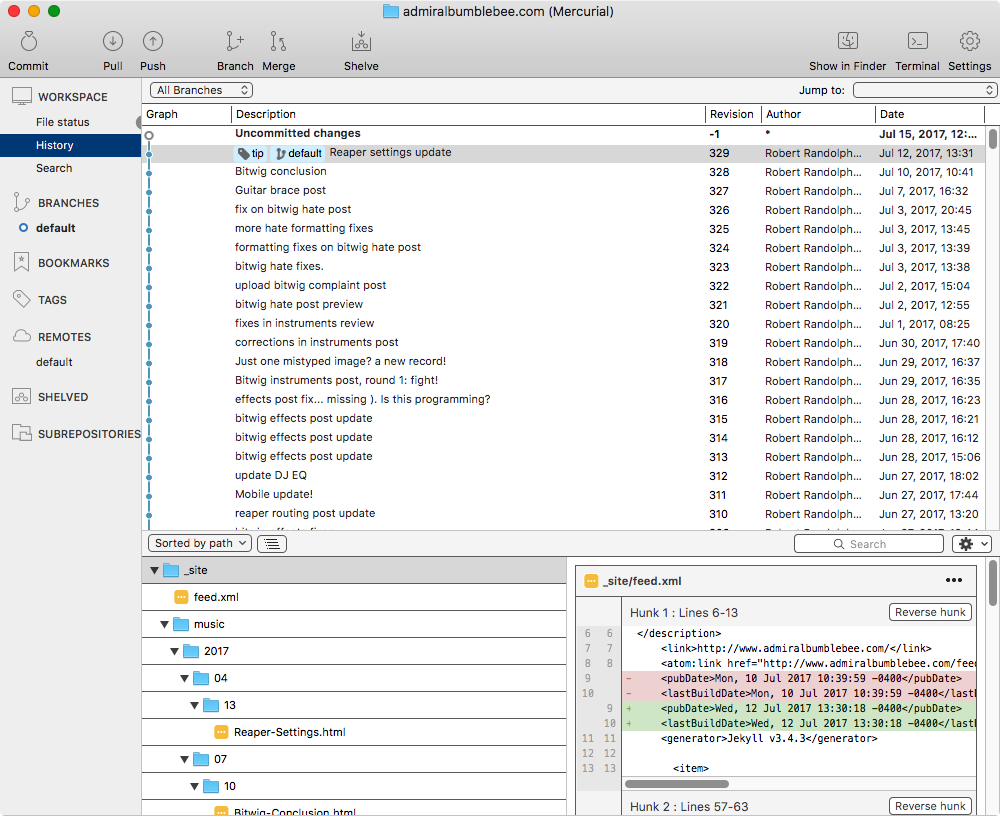
I've received some questions over time about how I blog. What platform I use, how I manage dependencies, how I achieve certain effects, how I update, how I handle images etc...
I primarily use Docker, Jekyll, Mercurial and Visual Studio Code. Click through to see how I use these things together to create what you're reading now.
Bitwig Conclusion

July 4th was my last day of of using Bitwig via the '30 days' monicker.
I've made my decision on whether I'm going to continue with it or fall back to Renoise.
Let's see what I've decided and why...
Other posts in this series:
DIY Fix or re-glue Acoustic Guitar Brace
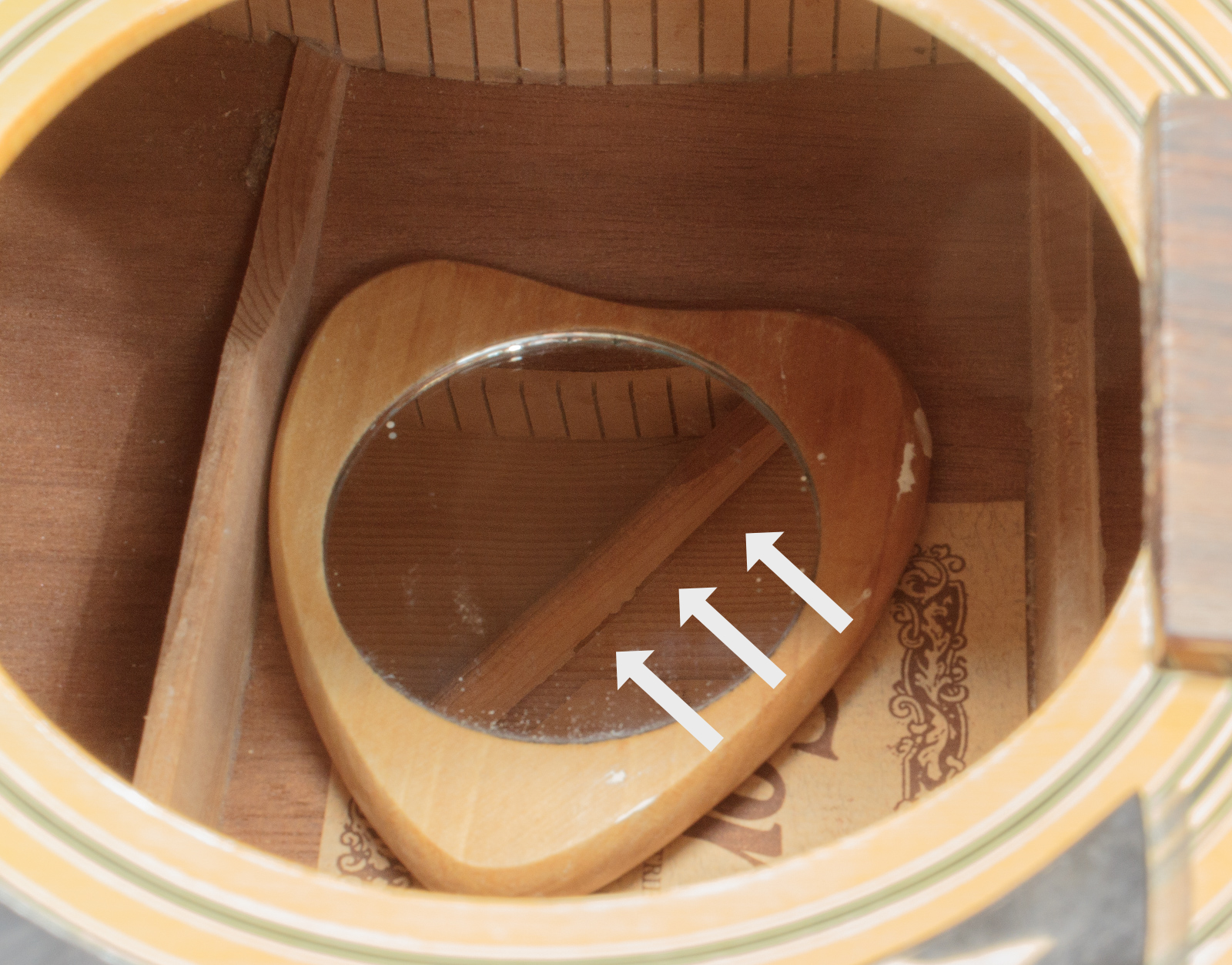
It's not terribly uncommon for an old guitar to have an inner brace detach. It's more likely if the guitar is thrown between high and low humidity and high to low temperature environments.
My wife has her mother's guitar which is a 70s Cortley. The guitar was heavily used and often left in a hot car. One of the braces on the top (on the opposite side of what you see) came loose.
It may not be totally obvious when this occurs, but a sudden or gradual deadening of the sustain is a sure-sign of an issue. You can also thumb the top with your finger around the guitar and take note of any drastic assymetrical differences along the axis continued by the fretboard. You can also just throw a mirror in side and check!
Let me show you how easy this is to fix, and how to do it right.
Things that Bitwig could improve.
Bitwig is a cool DAW no doubt, but there's a number of things that could be greatly improved.
Here's a non-exhaustive list of things that I've found problematic in my time with Bitwig so far...
(Using BITWIG STUDIO 2.1.1 as of the time of this writing)
Bitwig Instruments, Note Effects and Instrument Containers Review

A DAW that's aimed at electronic musicians needs to supply at least a basic set of instruments so the user can get making some music right away. Bitwig has a decent set of included instruments, and it has note effects (midi effects).
Let's see how they are...
Spoiler - Overall rating:
Other posts in this series: